Download Latest Delta Executor APK
v2.747.1486One direct button to download the newest Delta Executor APK for Android.
Delta Executor APK Information
Live technical specifications for the current Android release.
| App Name | Delta Executor (Delta X) |
|---|---|
| Latest Version | 2.747.1486 |
| File Size | ~159 MB |
| Last Updated | Updated automatically |
| Operating System | Android 7.0 or higher (64-bit recommended) |
| Root Required | No |
| Price | Free |
What Is Delta Executor & Key Features
Delta Executor is one of the most popular Roblox script executors for Android. It provides a fast, touch-friendly interface for running Lua scripts, managing saved scripts, and browsing community hubs directly on mobile.
Built-in Script Hub
Search and run popular scripts for Blox Fruits, Murder Mystery 2, and other Roblox games without leaving the app.
High Lua Compatibility
Supports modern Roblox Lua scripts, loadstrings, HTTP requests, and custom UI libraries smoothly on Android.
No Root Required
Installs as a standard Android APK on unrooted phones and tablets running Android 7.0 or newer.
Auto-Execute & Saved Scripts
Save your favorite script loaders locally and run them automatically whenever you join a game.
Lightweight Mobile UI
Clean, draggable overlay designed for touchscreens with quick script search, console output, and settings.
Fast Roblox Update Support
Actively maintained to stay compatible with the latest Roblox Android client updates without long downtime.
Looking for scripts? Try the Drakthon Hub Loader on FreeTools for multi-game scripts including Blox Fruits and MM2.
Supported Roblox Games
Delta Executor runs Lua scripts across thousands of Roblox experiences on Android, including:
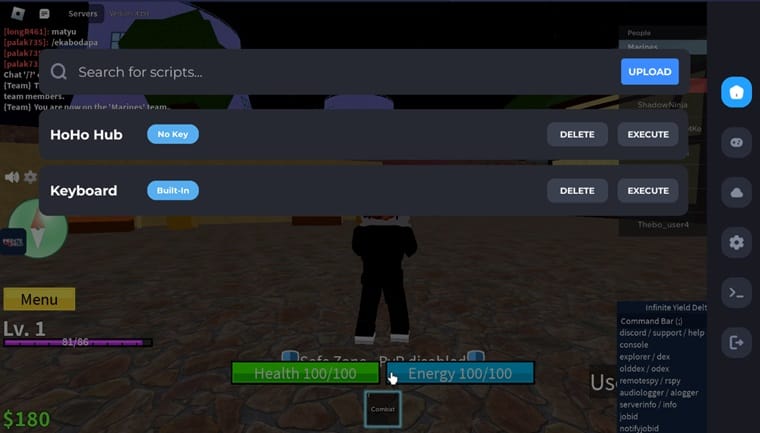
Delta Executor Screenshots
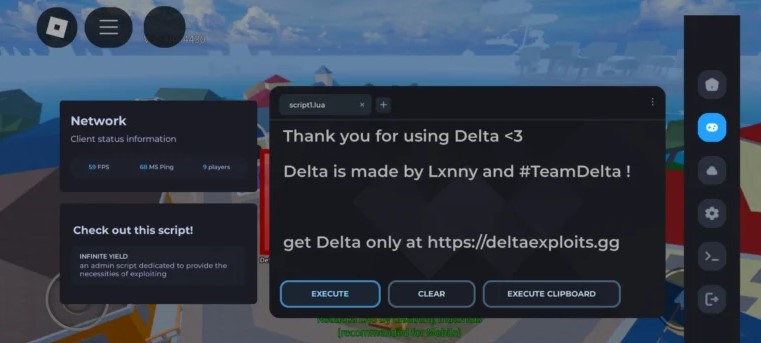
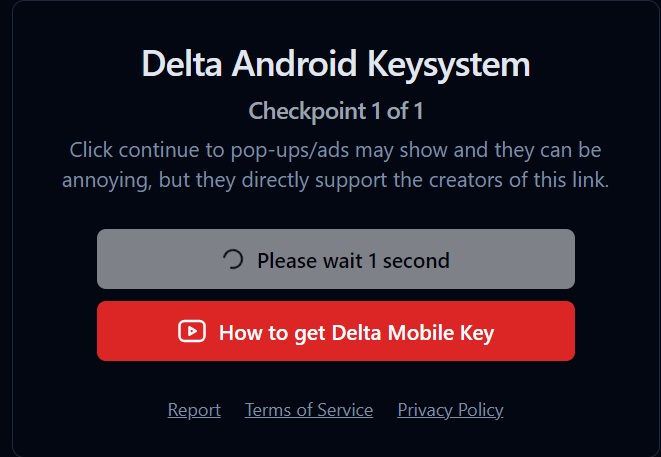
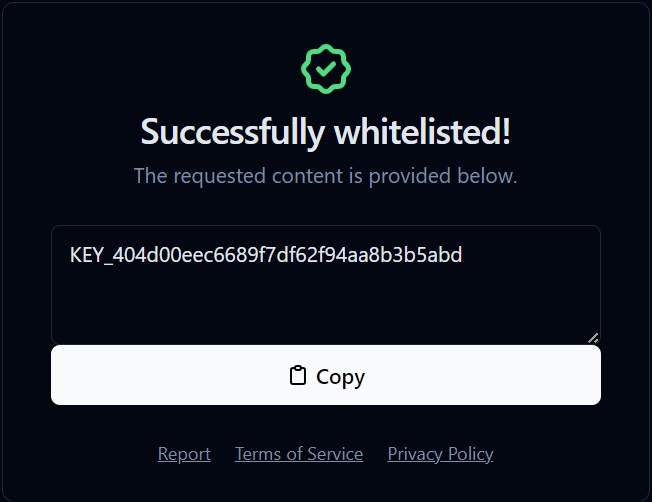
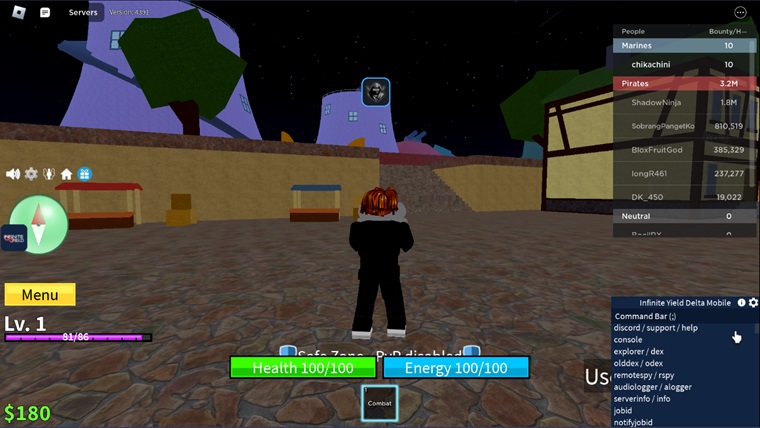
Real previews of the Delta Executor Android interface, script menu, and key activation.
How to Download and Install Delta Executor APK
Follow these steps to install Delta Executor cleanly on Android without errors:
- Uninstall the official Roblox app from your phone first. Keeping the Play Store version installed causes an App not installed package conflict.
- Tap Download Delta APK at the top of this page to download the latest APK file.
- Open the downloaded APK from your browser downloads or file manager.
- Enable "Install unknown apps" for your browser or file manager when Android prompts you.
- Tap Install, then open Delta Executor and sign in with an alternate Roblox account.
How to Get the Delta Executor Key
- Launch Delta Executor and join any Roblox experience.
- Wait for the Delta overlay to appear, then tap Receive Key to copy your verification link.
- Paste the link into Chrome or your mobile browser and complete the verification steps.
- Copy the generated key, return to Delta Executor, paste it into the key box, and tap Continue.
Delta Executor vs Other Android Executors
How Delta Executor compares to other popular Roblox script executors on Android.
| Executor | Price | No Root | Script Hub | Update Speed |
|---|---|---|---|---|
| Delta Executor | Free | Yes | Built-in | Very Fast |
| Arceus X | Free (Key) | Yes | Built-in | Fast |
| Codex | Free (Key) | Yes | Built-in | Moderate |
| Hydrogen | Free (Key) | Yes | Basic | Slower |
Common Issues & Quick Fixes
- "App not installed" error: Uninstall the Google Play version of Roblox first, free up at least 500 MB of storage, and re-run the APK installer.
- "Your version of Roblox is out of date": Roblox shipped a new client update. Return to this page and download the newest Delta APK as soon as it is published.
- Key not accepted: Make sure your phone's date and time are set to automatic, generate a fresh link from inside Delta, and paste the key without extra spaces.
- Lag or crashes in-game: Lower Roblox graphics quality to manual level 1 and close background apps before executing heavy scripts.
Frequently Asked Questions
Where can I download the latest Delta Executor APK for Android?
You can download the latest Delta Executor APK for Android directly on this page (freetools.one/delta). It is free, requires no root, and stays updated with the newest release.
What is the latest version of Delta Executor APK for Android?
The current version, file size, and release date are shown in the APK Info table above.
Does Delta Executor require root on Android?
No. Delta Executor runs on standard unrooted Android devices running Android 7.0 or newer.
How do I get the Delta Executor key?
Join a game inside Delta, tap Receive Key to copy your link, complete the browser verification, and paste the key back into the app.
Why does Android say "App not installed"?
You must uninstall the Google Play version of Roblox before installing Delta Executor, because both apps share the same Android package signature.
Will this page still work after Roblox or Delta updates?
Yes. This page updates automatically whenever a new Delta Executor release is available.
What scripts work with Delta Executor?
Delta supports most popular Roblox Lua scripts and hubs, including Blox Fruits, Murder Mystery 2 (MM2), and the Drakthon Hub Loader.
Delta Executor Guides & Blog
Read our detailed Android tutorials for setup, keys, fixes, and top scripts: